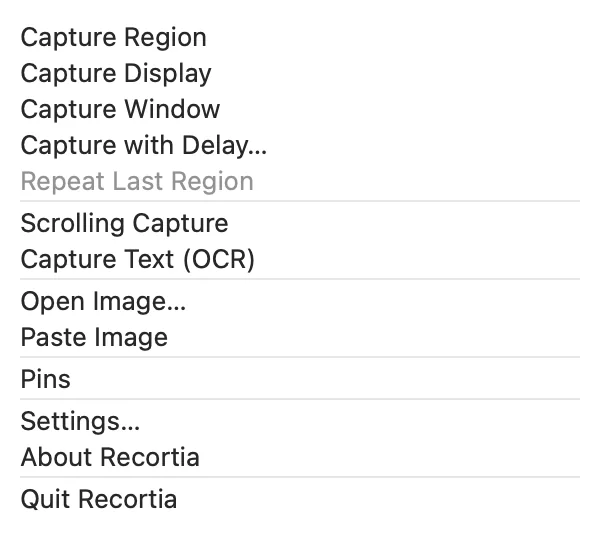
Capture your way
A region, a window, or the whole display, delayed or repeating the last region. The default shortcuts are the macOS ones: ⇧⌘3, ⇧⌘4, and ⇧⌘5.
Capture, mark up, redact, and share from the menu bar. Everything stays on your Mac: no account, no upload.
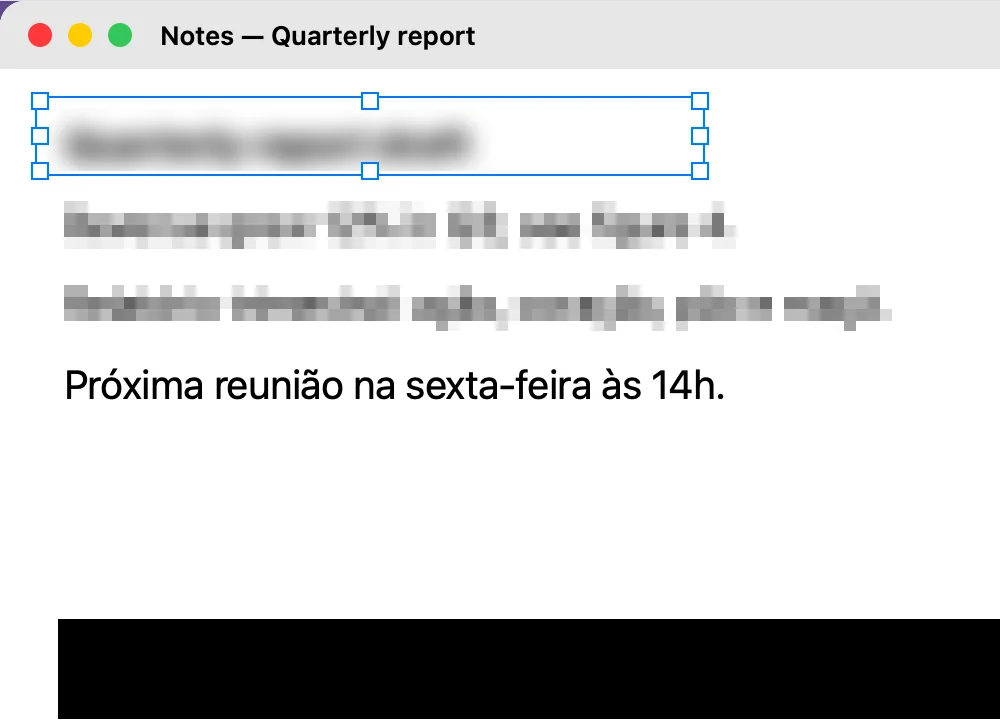
Blur and pixelation are cosmetic: hidden text can remain recoverable, and Recortia itself labels both as not secure. Redaction replaces the covered pixels with an opaque color in every copy, save, drag, and pin.



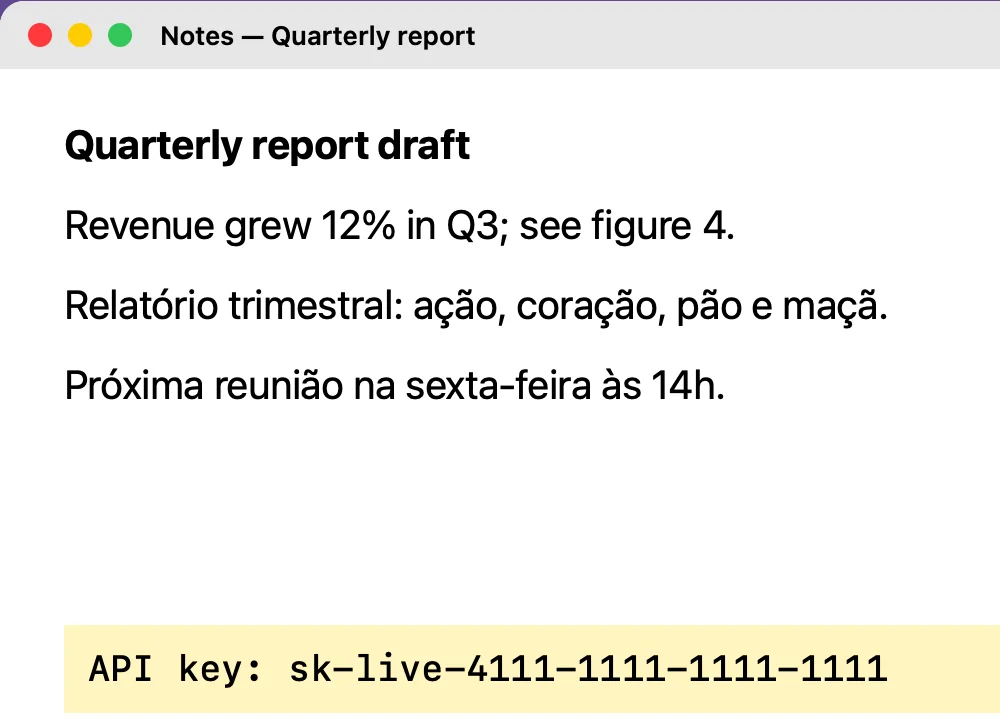
A region, a window, or the whole display, delayed or repeating the last region. The default shortcuts are the macOS ones: ⇧⌘3, ⇧⌘4, and ⇧⌘5.
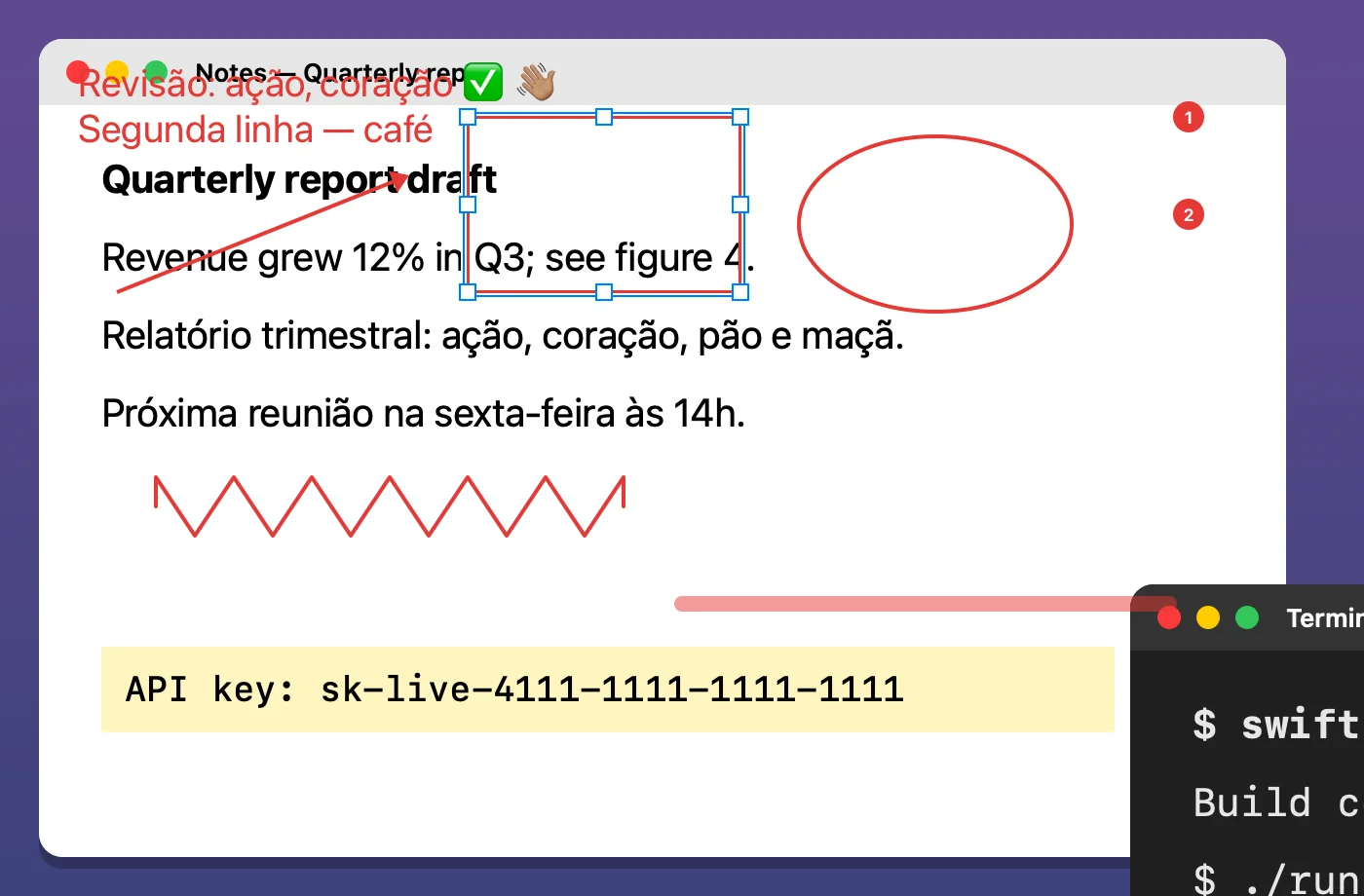
Text, arrows, rectangles, ellipses, freehand, highlighter, and numbered steps, with grouped undo.
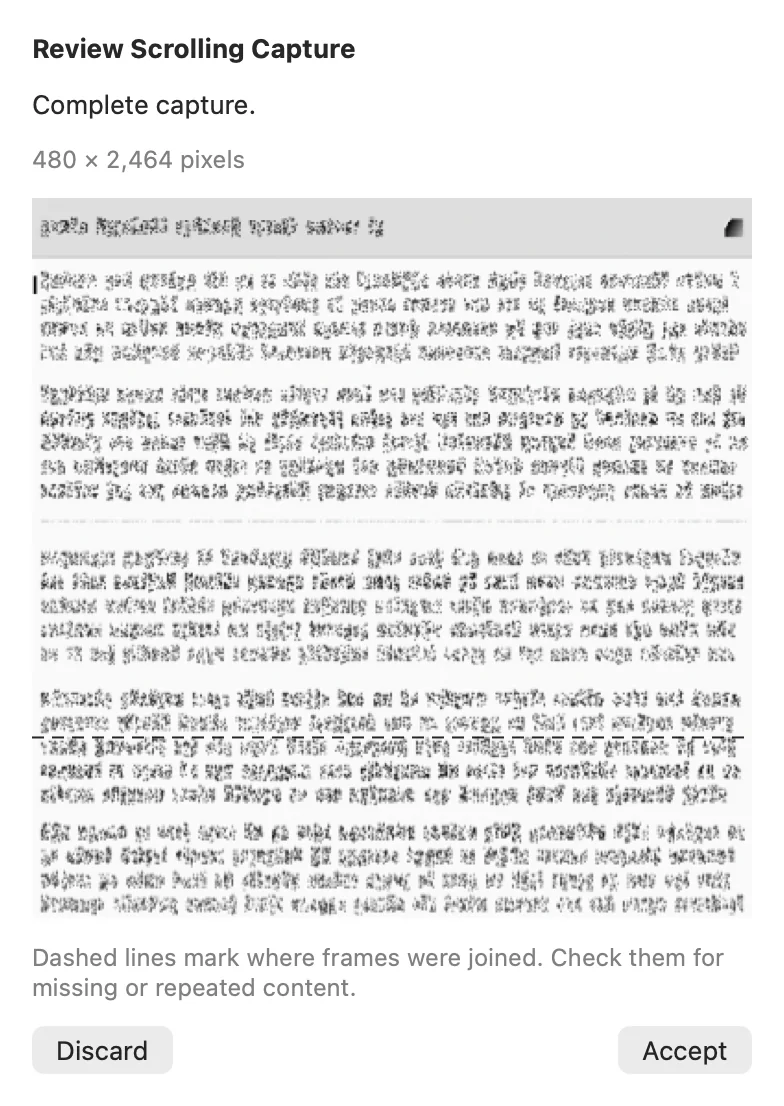
Manual by default. When a match is ambiguous, it pauses instead of producing a wrong stitch.
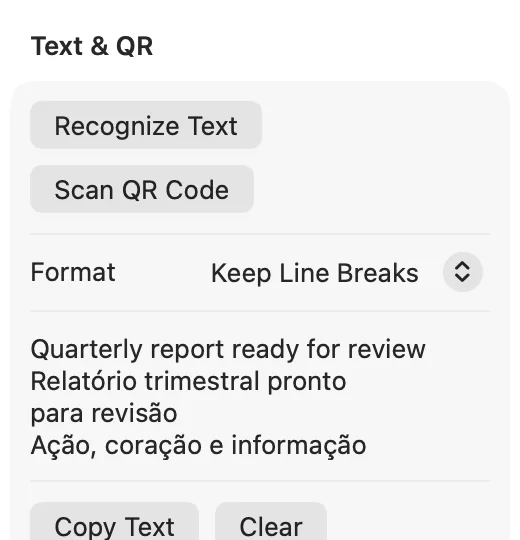
Text recognition in English and Portuguese with Vision. QR links open only when you click.
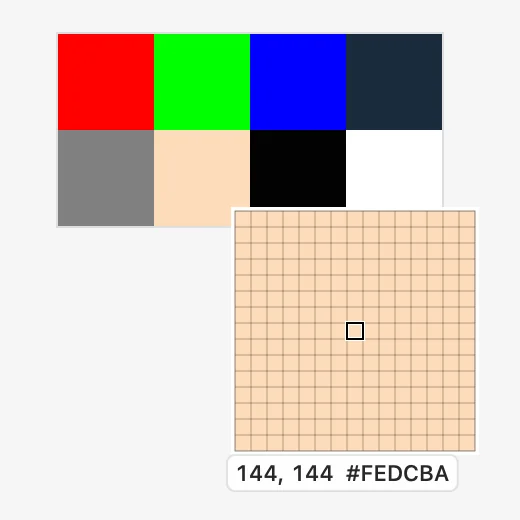
A nearest-neighbor loupe, a ruler, and an sRGB color picker in HEX and RGB.
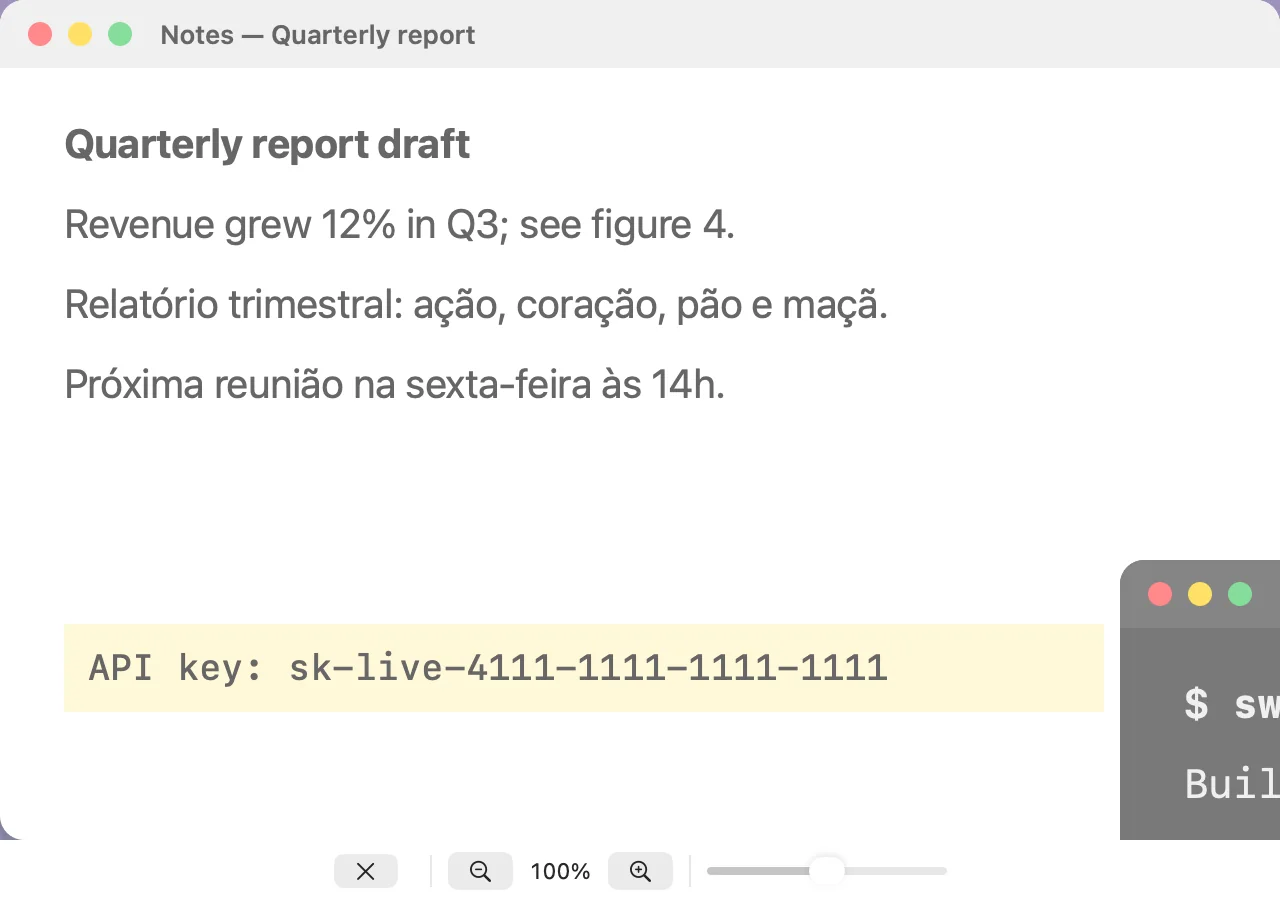
Up to five floating references with adjustable opacity and zoom.
Recortia talks to no server. There is no account, telemetry, or cloud.
Nothing is saved or copied until you choose Copy, Save, or drag the image out.
Every image is freshly encoded, with no EXIF, GPS, text chunks, or hidden layers.
Screen Recording at your first capture. Accessibility only if you turn on automatic scrolling.
Redaction protects the image you export. It cannot recall copies you exported earlier or other apps’ clipboard histories.
brew install --cask mneves75/tap/recortia
Or download the notarized DMG. Requires macOS 15 or later on Apple Silicon.
To use ⇧⌘3, ⇧⌘4, and ⇧⌘5 in Recortia, turn off the macOS ones in System Settings › Keyboard › Keyboard Shortcuts › Screenshots. Recortia never changes them itself.
Beta version 0.9.0. Free and open source under the MIT license.